Streaming games on YouTube has never been more accessible. Whether you’re a complete beginner or you’ve tinkered with livestreaming once or twice, starting on YouTube can feel overwhelming. But it doesn’t have to be. With the right setup and a couple of smart strategies, you can go live and build an audience without breaking the bank or overcomplicating things. In this guide, you’ll learn how to stream games on YouTube using two practical, actionable tips that will help you begin confidently and grow your channel strategically.
Set Up the Right Streaming Tools Before Going Live
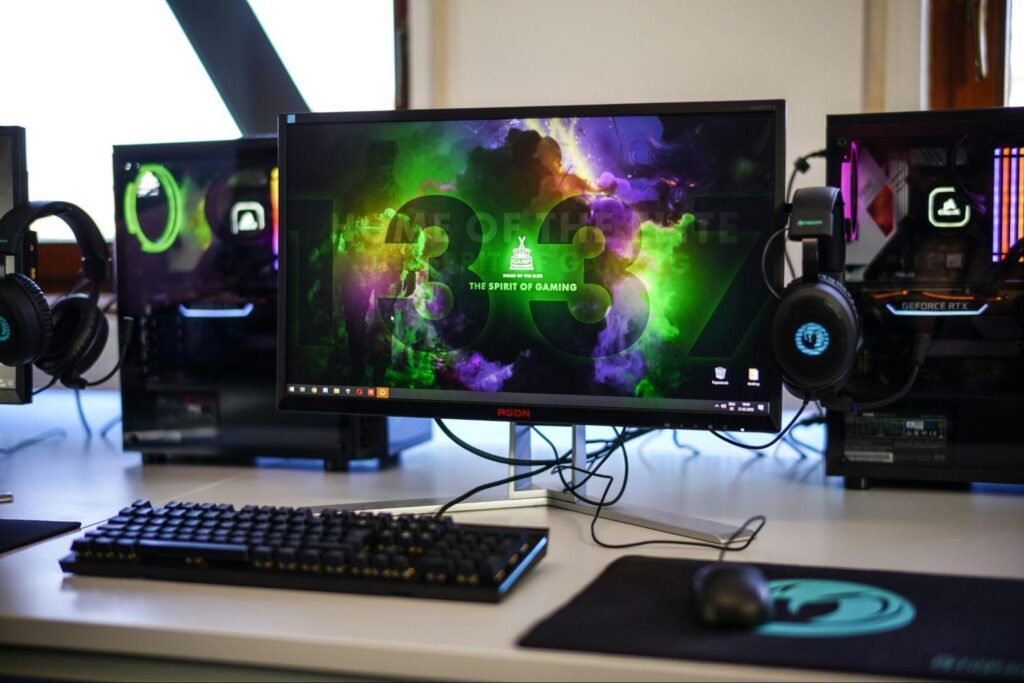
The first step in learning how to stream games on YouTube is making sure your technical setup is stable and reliable. Without a good foundation, you can run into problems like lag, poor audio, or choppy visuals, issues that make viewers click away fast.
Choose Beginner-Friendly Streaming Software
Software like OBS Studio (Open Broadcaster Software) is free, powerful, and perfect for new streamers. It lets you capture gameplay, webcam footage, overlays, and audio, all in one place.
Check Your Hardware
Your computer doesn’t have to be top-of-the-line, but it should be capable of handling both your game and the streaming process at once.
Fine-Tune Audio and Visual Quality
Good visuals and clear audio can make a huge difference. Poor sound turns viewers off faster than low video resolution.
Run Test Streams
Before broadcasting live, always do a private test stream. This lets you fix mic issues, check frame rates, and verify your stream doesn’t lag.
Plan Your Streams to Attract and Keep Viewers
Once your setup is solid, the real challenge begins: reaching and engaging an audience. Streaming games is fun, but it’s the connection you build with viewers that keeps them coming back.
Pick Games and Niches You Enjoy
YouTube is full of game streamers, so standing out means being both authentic and intentional.
Be Consistent With Your Schedule
Consistency is key when building an audience. Viewers are more likely to return if they know when you stream.
Craft Titles, Descriptions, and Tags That Get Noticed
Your stream might be great, but if people can’t find it, they won’t watch it. That’s where smart metadata comes in.
Engage Your Audience in Real Time
Interaction turns casual viewers into loyal fans. Respond to chat messages, ask questions, and encourage viewers to hang out. If you’re serious about building a community and improving your metrics over time, consider using tools likeYouTube engagement growth services — services designed to support streamers in increasing watch time, interaction, and discoverability. Smart growth tools can help amplify your reach and accelerate your channel’s performance.
Common Mistakes to Avoid
When you’re just starting, it’s easy to slip into habits that hurt your growth: