
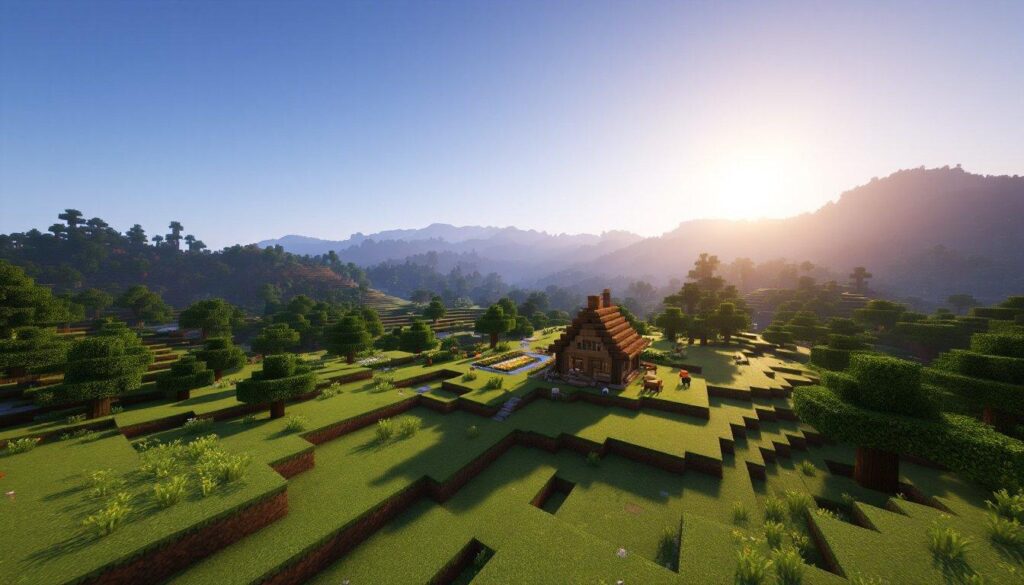
Some of the best Minecraft build tutorials now live on TikTok: a compact starter house in 45 seconds, a redstone door in a minute, a medieval tower broken into layers. The problem is following them. You pause, switch to the game, place three blocks, switch back, and the video has scrolled to something else. A TikTok downloader saves those tutorials as video files, so you can pause, rewind, and replay each step on a second screen without the feed getting in the way.
Why saved build videos are easier to follow
- Frame-by-frame control: scrub back to the exact moment a block is placed.
- No feed distractions: the next clip doesn’t autoplay while you’re counting stairs.
- Offline access: play the tutorial on a tablet beside your PC or console, even with weak Wi-Fi.
- Protection against deletion: creators remove older videos or switch accounts, and builds you planned to try disappear.
What Minecraft clips are worth saving
Starter builds and bases
Quick survival houses, underground bases, and storage rooms are the clips you’ll come back to every time you start a new world.
Redstone contraptions
Hidden doors, auto-farms, and item sorters depend on exact placement, which makes them the hardest builds to follow from a live feed. Save these first.
Large projects
Castles, theme parks, and cities usually come as multi-part series. Download every part in order, so you don’t lose your place halfway through.
Block palettes and detailing
Short clips about mixing terracotta, wood, and stone, or adding depth to walls, are useful references even when you’re designing your own build.
Seeds and structures
Videos showcasing a world seed or a rare structure are worth keeping, but write the seed number and game version in the file name. They’re easy to lose in a caption.
How to use a TikTok downloader in three steps
SSSTik is a free web-based tool that works in any browser, with no app to install and no account to create.
- Open the tutorial on TikTok, tap Share and choose Copy link.
- Paste the link into the input field on SSSTik.
- Tap Download and choose MP4.
SSSTik gets the version without the watermark directly from TikTok, so no logo covers your hotbar or the corner of the build. The quality matches the original upload, in HD when the creator recorded in HD, which helps when you’re trying to tell spruce from dark oak. The tool doesn’t store your download history.
Minecraft’s build community is global. Indonesia, for example, has a large community of Minecraft creators, and players there search for phrases like download video tiktok tanpa watermark to save the same kinds of tutorials.
Organize your build library
- Create folders by category: starter builds, redstone, farms, decoration, and mega projects.
- Add the edition and version to file names, such as “Java 1.21 iron farm”, since some designs work differently on Java and Bedrock.
- Number multi-part series, such as “Castle 01 foundation” and “Castle 02 walls”.
- Delete tutorials after a game update breaks them, and look for an updated version.
Tips for following a build video
- Watch the whole clip once before placing a single block.
- Count blocks in the first layer and mark the corners.
- Pause after each layer and compare it with your build.
- Build in Creative mode first to test a design, then rebuild it in Survival.
Respect the builders
Every build tutorial represents hours of design work. Keep saved videos for your own reference, and don’t re-upload them as your own content. If you post your version of someone’s build, credit the original creator in your caption, and consider following them. Saving your own build videos is a good habit, too. They make a portfolio of everything you’ve made.
A few limits apply. Videos from private accounts and posts that have already been deleted can’t be downloaded, and a low-resolution upload stays low-resolution.
Similar tools for other platforms
If your build inspiration also comes from other social networks, fGet and SSSTwitter work with the same copy-and-paste steps.